SMS basics
Group Texting Without an App: How Everyone Can Join
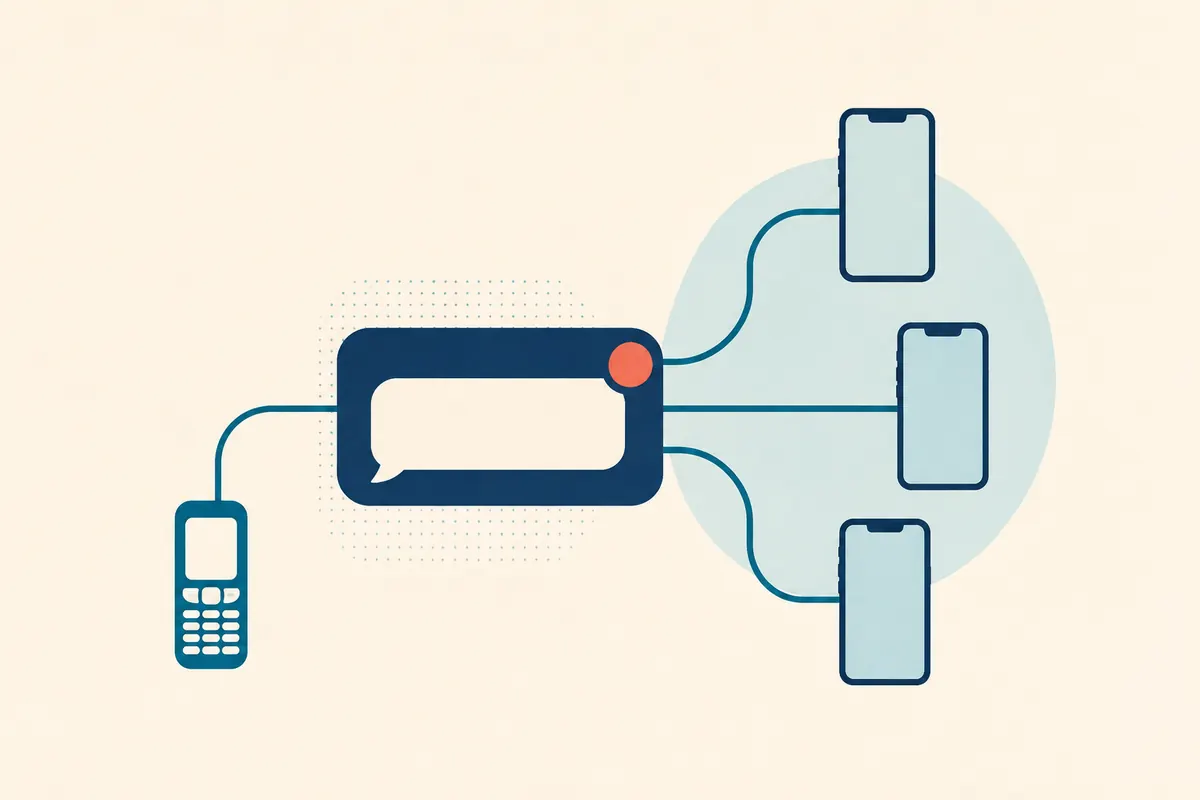
Group texting without an app works through a shared phone number: a member sends an ordinary text to that number, and the service sends it to the other members. Replies return through the same number. For a frum family, chabura, or neighborhood group, Klal Chat is built to keep members with SMS-enabled kosher phones and smartphones in the same conversation.
What does “no app” actually mean?
For a member, it means using the texting function already on the phone. There is no download, app store account, group chat login, or mobile internet requirement for participating by SMS. The phone still needs working text messaging, a compatible mobile plan, and carrier coverage.
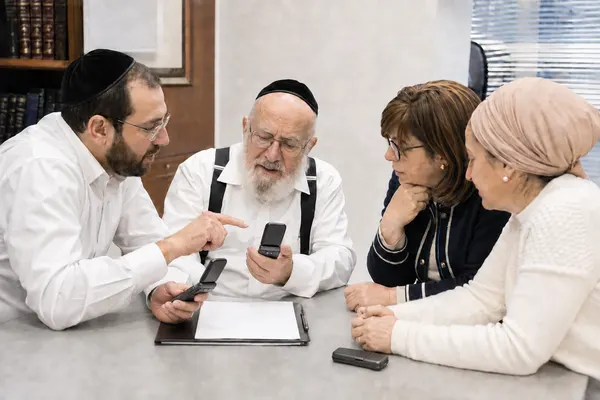
That distinction matters in a frum community. A shiur might include people with smartphones, filtered devices, and basic phones. Asking everyone to install the same messenger can leave some members outside the conversation. Ordinary texts give the group a common way to communicate without asking people to change their devices.
The Klal Chat organizer uses the admin website for setup and for billing afterward — the balance, top-ups, plan changes and cancellation are all there. Admins can invite and remove members by texting "#add Name 5551234567" and "#remove NameOrPhone" to the group number. Members participate by text.
Klal Chat currently accepts US and Canadian phone numbers. Confirm your group’s numbers and carrier compatibility before planning a move; an Israeli number is not supported by the current service.
Why adding everyone to one phone message may not solve it
A phone’s built-in group messaging behaves differently depending on the devices, carrier settings, and messaging service involved. A conversation that works among several smartphones may behave differently when someone with a basic phone joins.
Apple’s documentation specifically says that replies to a native group SMS arrive as separate texts, and recipients cannot see the other replies. That can work for sending one notice, but it does not provide a shared discussion.
With a service that relays texts through a group number, a member sends to one recipient: the group number. The service distributes that post to the rest of the group and does the same with their replies.
What the conversation looks like
Imagine a chabura arranging tonight’s learning. The organizer texts the group number with the room and time. A member replies to that same number to ask which sefer to bring. Other members receive the question, with the sender’s name, and can answer through the group number.
Members save one contact for the group. Klal Chat labels posts with the sender’s name, while keeping members’ personal phone numbers out of messages delivered to other members. The organizer still manages a roster with those numbers.
Put the time, address, and other necessary details directly in the text so every member can follow the conversation from their phone.
Prepare the group before switching
Klal Chat is live and accepting signups. An organizer can set up the group with a few practical decisions.
- Confirm that each person can send and receive ordinary texts on the phone they intend to use. A voice-only phone cannot participate by SMS.
- Choose whether the group needs open conversation or announcements from admins. Decide this from the group’s purpose, not just its size.
- Collect a current roster and explain why people are being invited. Members confirm their invitation before joining.
- Estimate the number of daily posts and review the pricing page. Every reply distributed to the group contributes to usage.
- Plan a small test with the actual phones and carriers before relying on the group for regular updates.
Review current plans and estimate your group’s usage · Get help setting up your group
Keep a text group easy to follow
A short welcome message should explain the group’s purpose, who can post, and whether a reply reaches everyone. For a conversation group, ask people to keep replies relevant and put unrelated questions in a separate personal conversation.
Give members the basic controls at the start. Klal Chat supports #mute to pause receiving, #unmute to resume, and #exit to leave. Someone should not need the organizer’s help simply to take a break from a busy chat.
The useful question is whether every intended member can read the same update and take part in the same discussion. Test that directly before replacing the old communication routine.
Questions about this guide
Can a flip phone join a group text without an app?
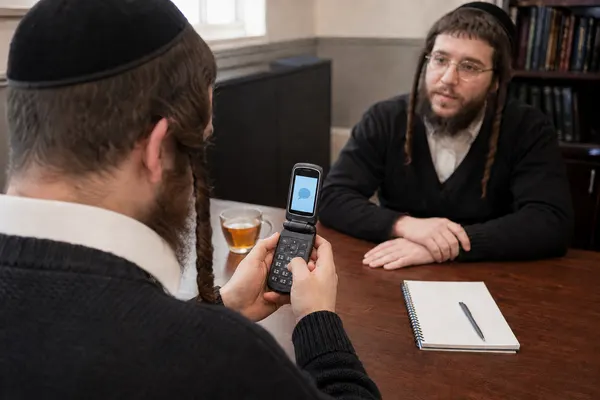
A flip phone that can send and receive ordinary SMS can use a service that relays messages through a group number, subject to carrier compatibility. A voice-only phone cannot. Test the actual phone before moving the group.
Do members need internet for Klal Chat?
Members participate by ordinary texts and do not need internet for the conversation. The organizer needs a browser for setup and for billing. Admins can also invite and remove members by text.
Can smartphones and kosher phones be in the same group?
Yes, the shared requirement is the ability to send and receive ordinary text messages. Members use the same group number regardless of whether they have a smartphone or a text-capable kosher phone.
Sources and further reading
External product details were checked for this review. This guide is written by Klal Chat; GroupMe and WhatsApp are separate services, with no affiliation or endorsement implied.
Bring your group's needs to us
Tell us about your members' phones and how your group talks. We can help you plan the switch.