Kosher phones
Group Texting on Kosher Phones: What Actually Needs to Work
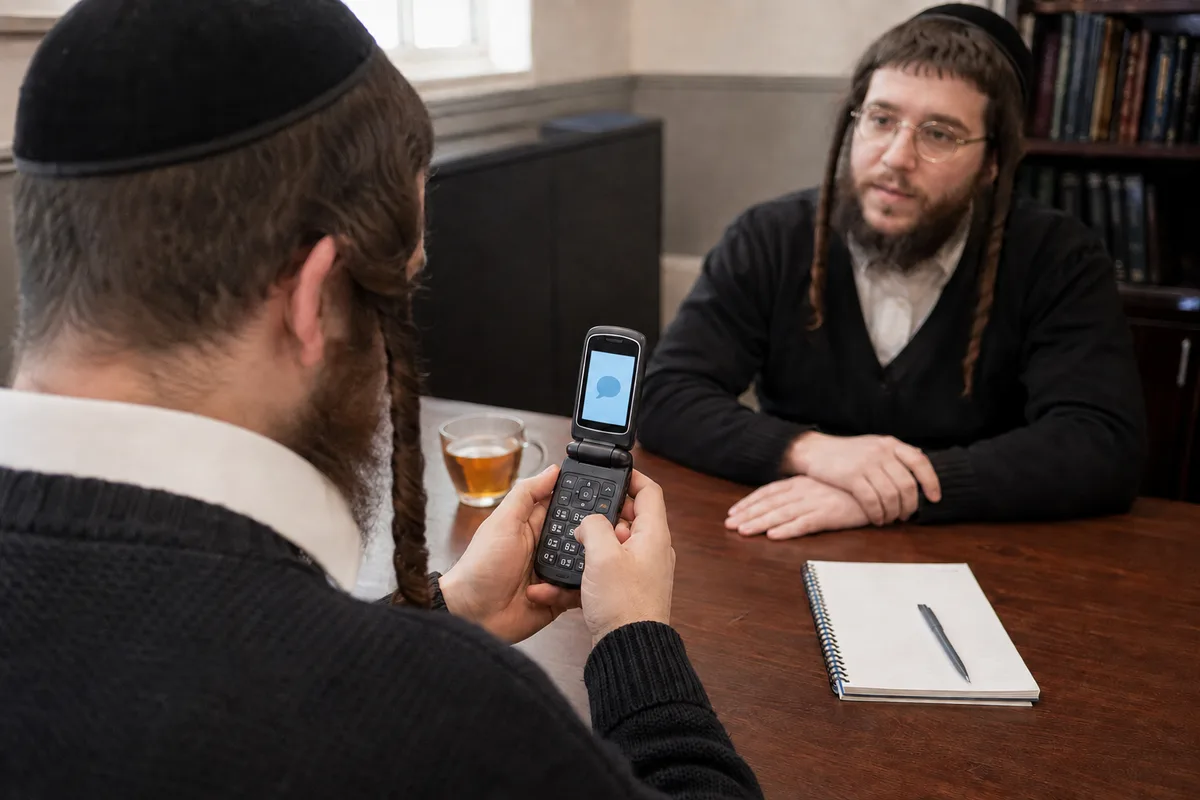
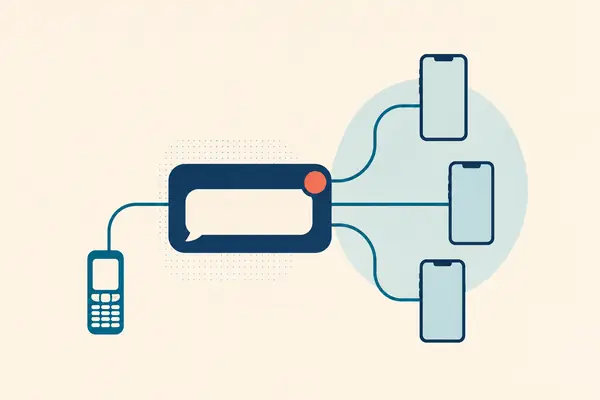
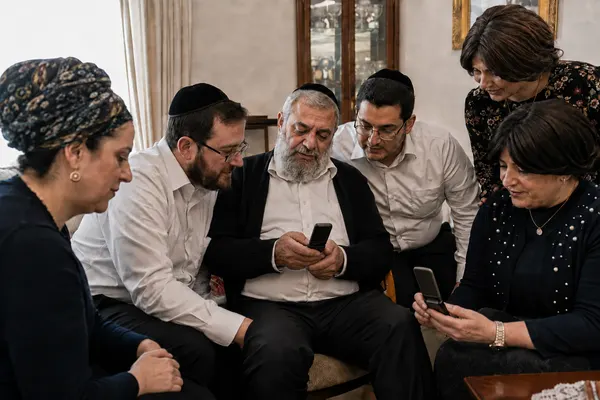
A kosher or filtered phone can participate in an SMS group if its device, plan and restrictions allow it to send and receive the required text messages. Klal Chat is designed around ordinary texts, so members need no app or internet. A voice-only phone with texting disabled cannot use this approach.
Start with texting access, not the phone's label
The useful question is not simply whether a phone is kosher, filtered or a flip phone. It is whether that particular phone and line can exchange ordinary text messages with the group's service number. A familiar handset name does not tell you which restrictions its owner has chosen.
Klal Chat does not add apps to a phone or change its restrictions. It gives the group a way to communicate through the texting access members already have. Phone compatibility is not a statement of certification or approval for a particular device or community.
Klal Chat currently accepts US and Canadian phone numbers. Confirm your group’s numbers and carrier compatibility before planning a move; an Israeli number is not supported by the current service.
A restricted app and an SMS group solve different access problems
In JTech's public shutdown discussion, participants distinguished a restricted GroupMe client from SMS support for phones that cannot install apps.
If a member's device can run an app permitted by their chosen filtering setup, evaluate that route on its own requirements. If their phone only allows calls and texts, an app recommendation does not answer the access question. A voice-only line needs a different channel again.
Build your checklist around those three cases. Do not ask members to change their phone restrictions simply to fit the service you prefer, and do not assume that a product's use of the word kosher establishes approval for their setup.
Public discussion: restricted clients versus SMS-only phones
Check three things before inviting everyone
Ask someone using the actual phone to make these checks. Testing from the admin's smartphone will not answer whether another member's restricted phone works.
- Can the member send and receive an ordinary text with a person they know? If texting is disabled altogether, an SMS group cannot solve that.
- Does the member's plan or filtering setup restrict texts from service numbers? Ask their provider if the answer is unclear; a working personal text does not establish that every sender is allowed.
- Can this phone receive the invitation, reply YES and receive a short group test? Confirm each part before moving the whole conversation.
Members and admins have different requirements
Members save the group's number and text it. Their messages reach the other members with a sender name, and replies return through the group. They do not install an app, create a member account or open a website to follow the conversation.
The organizer uses the admin website to set the group up, and still needs it afterward: the balance, top-ups, plan changes, card updates and cancellation are all there. Admins can also invite someone with "#add Name 5551234567" and remove a member with "#remove NameOrPhone" by texting the group number. The invitation is completed when the member replies YES.
Klal Chat is building an automated phone line so an admin with no internet can run the whole group from a keypad. It is not open yet. Until it is, the organizer needs ongoing browser access.
Current admin and member requirements · SMS commands for group admins
Make the message useful on the simplest phone
Put the full instruction in the text so everyone has the details. For example: 'Tuesday shiur: 8:15 pm, downstairs room. Bring the current booklet.'
Hebrew and Yiddish messages are supported. Check how a representative phone displays your actual wording. Long messages and non-Latin characters use more of the group's text allowance, and a post longer than two segments — roughly 300 characters, or about 130 in Hebrew or Yiddish — is refused rather than sent; the pricing guide explains the counting.
Use a small compatibility pilot
Choose two or three consenting people with the types of phones your group actually uses. After service activation, have each person join, receive a message and send one back. Ask them directly whether the name and message were readable. Do not treat silence as confirmation.
If one phone fails, check the number, the member's invitation response, any previous STOP request and the admin's delivery log. Then contact support with the relevant delivery details. Do not remove phone restrictions just to make the test pass; establish whether the service fits the member's existing setup.
Klal Chat is live and accepting signups. Use this checklist to identify the phones and admin access your group will need, then test joining and replies with those phones.
Questions about this guide
Can a kosher phone without internet join a group text?
Yes, if the phone and its plan permit the required incoming and outgoing SMS messages. Members do not need internet to use Klal Chat. Texting must actually be enabled; a voice-only line cannot participate by SMS.
Does Klal Chat work around a phone filter?
No. It uses ordinary text messaging and does not bypass device or provider restrictions. Confirm that the member's existing setup permits messages to and from the group service number.
Can everyone in the group avoid using a website?
Members can. The organizer cannot: setup and billing are done on the admin website. Admins can invite and remove members by text.
Sources and further reading
- Klal Chat: phone compatibility and admin requirements
- Klal Chat: member and admin text commands
- Klal Chat: pricing and message counting
- Public discussion: restricted clients versus SMS-only phones
External product details were checked for this review. This guide is written by Klal Chat; GroupMe and WhatsApp are separate services, with no affiliation or endorsement implied.
Bring your group's needs to us
Tell us about your members' phones and how your group talks. We can help you plan the switch.