Community guides
Shul and Minyan Text Alerts That Include People Without Apps
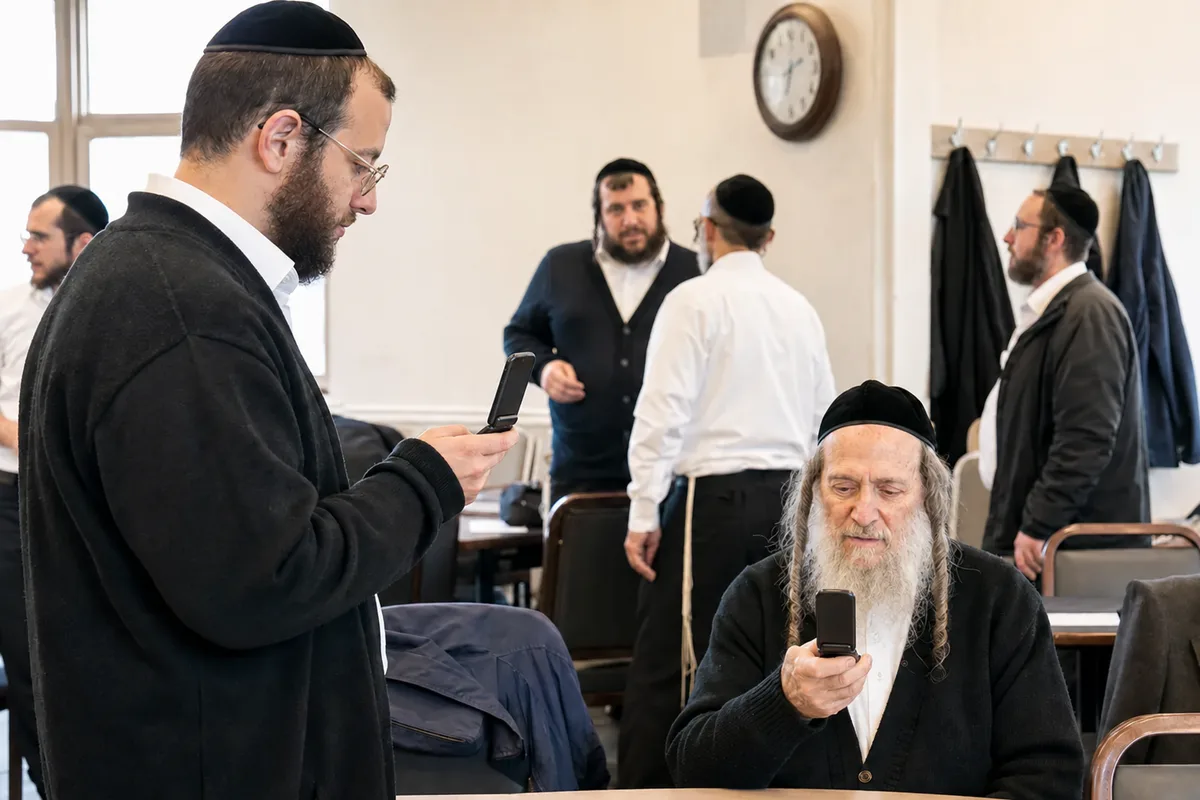
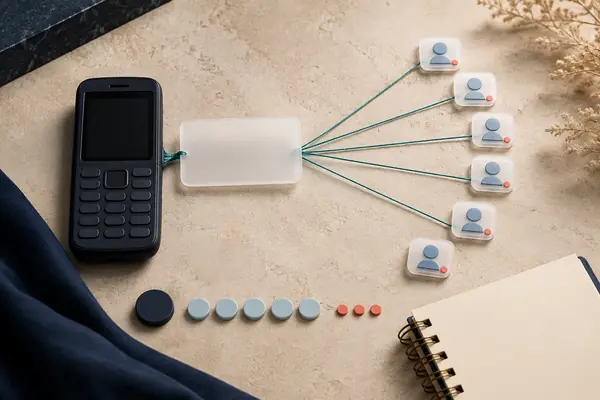
A shul can use an SMS group to send minyan times and practical updates to members with SMS-enabled kosher phones, flip phones and smartphones. Choose announcement-only mode for a clear notice channel, or an open group when everyone should reply. Members receive ordinary texts and need no app.
Give the group one clear job
A gabbai's update should be easy to find on a small screen. Decide whether this group is for changes to minyan times, requests for people to complete a minyan, or broader shul announcements. A group that promises one thing and sends everything is harder for members to judge when they hear a text arrive.
Write the purpose in the invitation you share: 'Weekday minyan changes and shul notices. A few updates as needed.' That sets an expectation without promising a fixed number of messages you may not keep.
Choose how replies should work
Klal Chat supports announcement-only groups, where admins post, and open groups, where members can post to everyone. Pick the mode around the actual job instead of assuming one setting suits every shul.
| Group's job | Useful mode | Explain to members |
|---|---|---|
| Publish confirmed times and room changes | Announcement-only | Use the named contact for questions; member replies are not group announcements. |
| Coordinate who can come to a minyan | Open group | Replies go to everyone. Use short, relevant confirmations. |
| Discuss general shul matters | A second group (separate subscription) | Keep it distinct from the channel people rely on for times. A second group is a second number and a second monthly plan, not a setting on this one. |
Give neighborhood requests room for useful replies
In the public Imamother discussion, members objected that relaying every neighborhood request through one administrator creates work and prevents spontaneous replies.
A shul notice channel and a neighborhood help group can therefore need different rules. Keep confirmed minyan changes in the notice channel; use an open conversation when a member should be able to ask for help and another member can answer directly to the group.
For example: "Weekday neighborhood help: short requests and offers. Replies here go to everyone. If two people are settling details, use another agreed contact method. Contact [organizer] separately about membership." Replace the contact detail before sharing. This is suggested wording, not an automated message or a separate Klal Chat feature.
Public discussion: the workload of administrator-relayed requests
Invite members without leaving the basic phones behind
Start with people who want these updates. The admin can paste a list or import a CSV; every row needs a name as well as a number, and a bare phone number is rejected rather than invited unnamed. Each invited person joins by replying YES. A phone number on a membership list is not the same thing as a completed invitation response.
You can also share the group's JOIN code and number on a printed notice. Give the complete texting instruction so someone can join without opening a link. Follow the current join guide, including the name prompt, and keep a way to help someone who is stuck.
Check a representative SMS-enabled kosher phone before relying on the group for a change in plans. Texting must be permitted by that member's phone and line. A voice-only phone needs another way to receive notices. Klal Chat accepts US and Canadian (+1) numbers only, so a member reachable on an Israeli or other overseas number cannot be added.
Current join instructions · Kosher phone compatibility checklist
Put the change first, then the details
Include the event, day, time and location in the message itself. When a schedule changes, say what replaced what. 'Mincha moved' leaves members looking for an earlier text; 'Tuesday Mincha: 6:40 pm, replacing 6:30, in the downstairs room' carries the full instruction.
For an open coordination group, a sample is: 'Tuesday 1:30 pm Mincha: please reply if you can come. I will confirm once we have enough commitments.' Make clear who will confirm the plan. A text saying 'I can come' is a commitment from that sender, not proof of attendance.
Set the group's posting expectations around your community's practices for Shabbos and Yom Tov.
Assign a person to keep the channel dependable
Decide who confirms the wording, sends the update and checks unresolved delivery failures. The admin's delivery log helps identify messages that did not reach a phone, but delivery status is not a read receipt or a headcount. For a time-critical change, arrange a direct follow-up for anyone who needs one.
Also review the text allowance as the group grows. A notice sent to many people uses more than one text from the plan. Announcement-only mode keeps discussion out of the notice channel, but it does not make delivery unlimited. A roster is capped at 120 members; a shul list larger than that needs to contact Klal Chat.
Klal Chat is live and accepting signups. The organizer needs a browser for setup and for billing afterward; adding and removing members also works by text. Members use texts. Agree on the purpose, collect interested members and choose the person who will manage it.
Questions about this guide
Can only the gabbai send shul announcements?
In announcement-only mode, only group admins can post. In an open group, members can post and their messages go to everyone. Tell members which mode the group uses and where to send individual questions.
Will members need a smartphone to receive shul updates?
No. Members need a phone and line that allow the required SMS messages. The organizer needs a browser for setup and for billing.
Sources and further reading
- Klal Chat: posting modes, phones and delivery details
- Klal Chat: how members join
- Klal Chat: plans and text allowances
- Public discussion: the workload of administrator-relayed requests
External product details were checked for this review. This guide is written by Klal Chat; GroupMe and WhatsApp are separate services, with no affiliation or endorsement implied.
Bring your group's needs to us
Tell us about your members' phones and how your group talks. We can help you plan the switch.